🥫 Pantry
What’s in your fridge, freezer and cupboards. Recipes tick off what you have, and the grocery list leaves it off.
Meals → Pantry
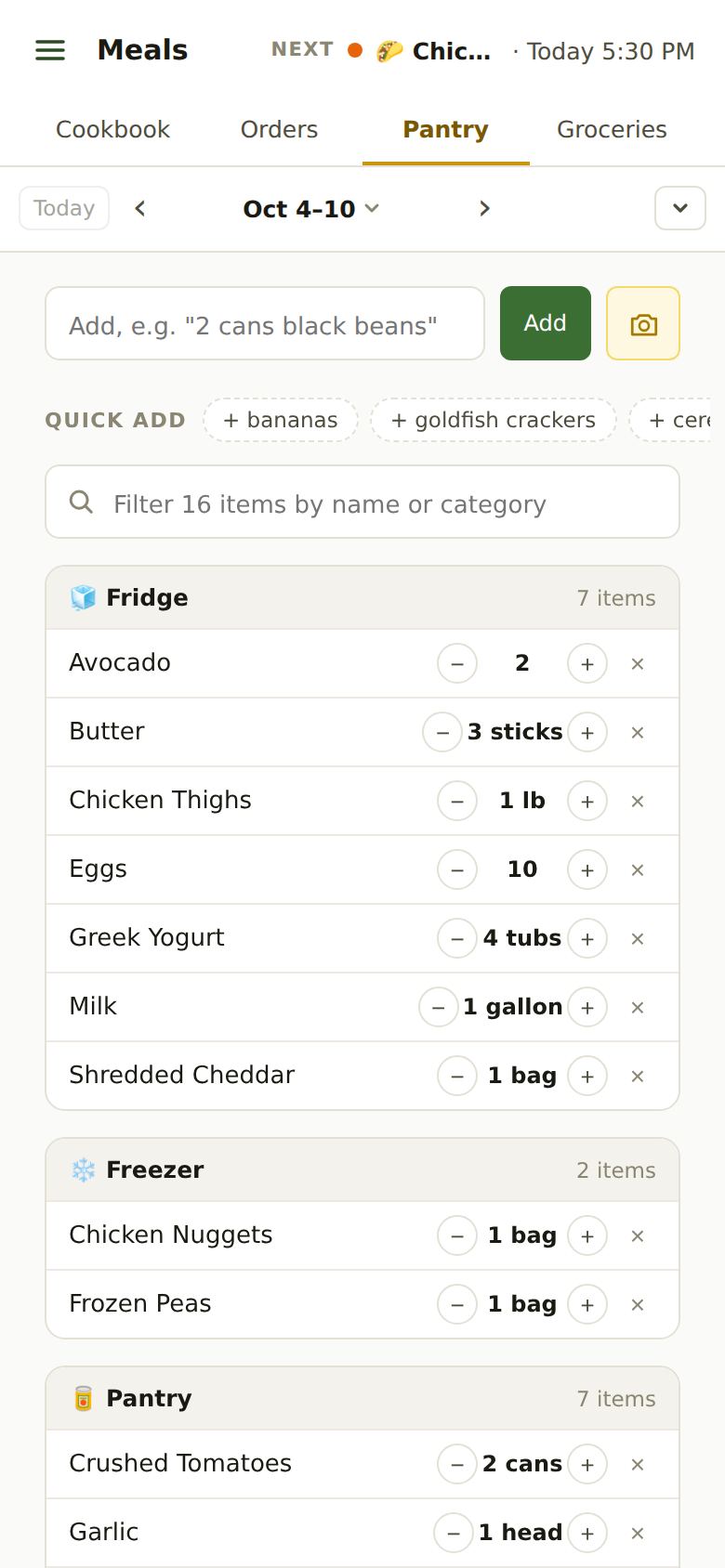
Adding Things
- Type it: “2 cans black beans” or “milk” in the box at the top, then Add. It goes where you keep things like it (meat to the fridge, snacks to the shelf).
- Quick Add: one tap for things your family usually buys and doesn’t have yet.
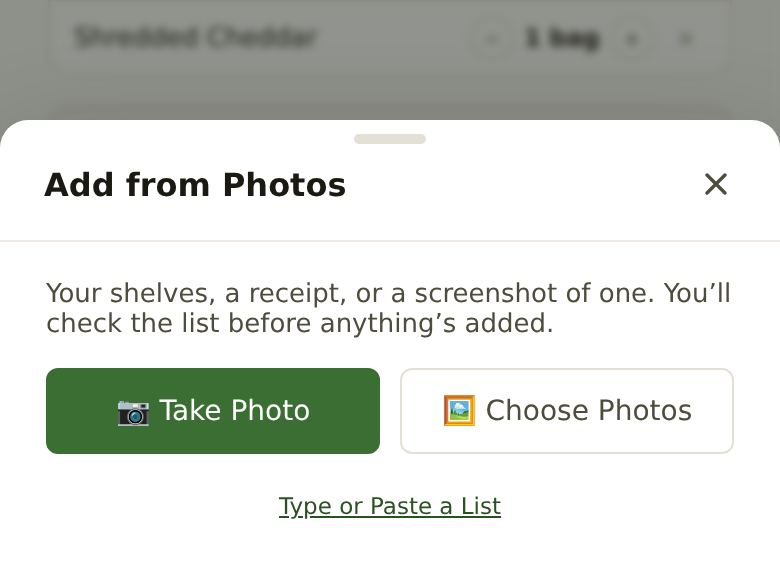
- 📷 Add from Photos Premium: take a picture of a shelf or the fridge, or of a grocery receipt. You check the list before anything’s added.
- Type or Paste a List (under Add from Photos, free): paste a shopping list, one item a line or separated by commas.
- From the grocery list: after shopping, Add to Pantry puts away what you ticked.
You don’t have to list everything. Start with what you cook with most. Salt, pepper and water are always counted as on hand.
Amounts and Running Out
- − and + change an amount by a sensible step. Everyday items are counted the way you buy them: butter by the stick, milk by the gallon, broth by the carton, pasta by the box.
- A gold Low tag means you’re nearly out. Tap it to put the item on the grocery list.
- Oils, spices, vinegars and condiments just count as “have it”: any amount is enough for a recipe.
- × marks it out. For a few seconds a green Add to List button takes its place, to put it straight on the grocery list. Then it moves to 🛒 Restock at the bottom.
- In Restock, Add to List puts it on the list; × there removes it for good.
Renaming and Moving Things
Tap an item’s name to rename it. Under the box, Move To sends it to the Fridge, Freezer or Pantry. With lots of items, each place is grouped by kind (Dairy, Produce, Snacks…); the filter box finds anything by name, kind or place.
What Cooking Takes Out
When you mark a dinner Cooked on Home (or tap ✓ Finish Cooking in Cook mode), its ingredients come out of the pantry. A skipped dinner, or one no one marks, takes nothing.
Recipes check the pantry for you: on a recipe, a green tick means you have it, yellow means some but not enough. What other planned dinners need is set aside first, so two recipes don’t both count on the same pound of beef.
Grocery Receipts Premium
Forward a store’s emailed receipt to receipts@apresschool.app, or take a photo or screenshot with Add from Photos. A line at the top of Pantry says “Your receipt is waiting · Review”. Check the list (untick anything that isn’t food, fix names or amounts), then Add to Pantry.
- Things you already put away from the grocery list aren’t added twice.
- Closing the review keeps it waiting, with your changes, until you add it or discard it.
- Some stores’ emails (like Instacart’s) don’t list every item yet; we’ll say so instead of adding half a receipt.
Still Stuck?
Email support@apresschool.app and we’ll get back to you. Or see all help articles.