📖 Cookbook
Your family’s recipes, in one place. Add them from a website or a photo, put them on the calendar, and cook from your phone.
Meals → Cookbook
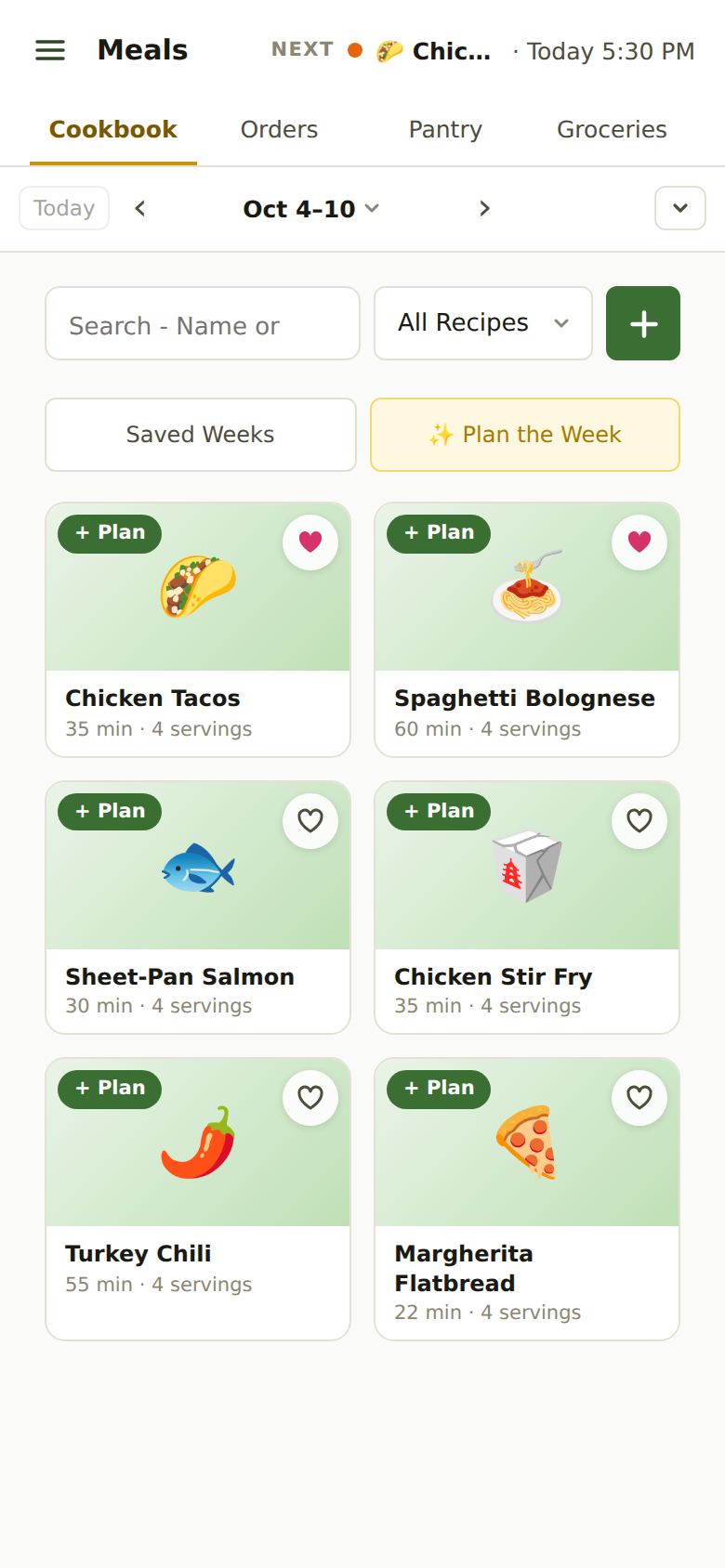
Adding a Recipe
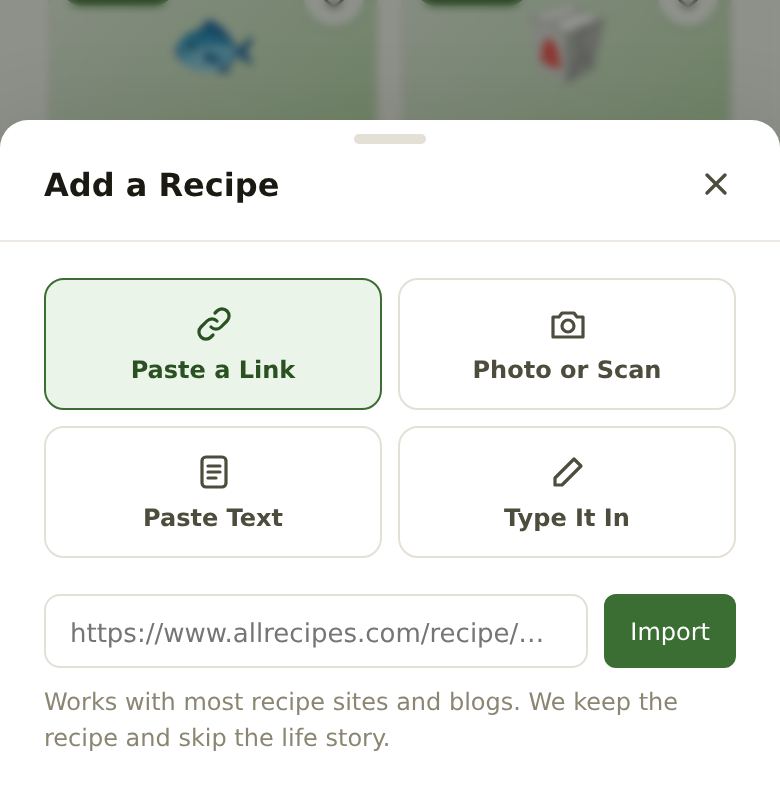
Tap the green + next to the search box. There are four ways in:
- Paste a Link: copy the address of a recipe page and paste it. Most recipe sites and blogs work. We keep the recipe and skip the life story.
- Photo or Scan: a page from a cookbook, a printout or a handwritten card. If a photo is blurry or cut off, we’ll ask you to retake it.
- Paste Text: a recipe someone texted or emailed you.
- Type It In: write it yourself. Put each ingredient on its own line. A line ending in a colon (“For the sauce:”) becomes a heading.
Every way shows you the recipe to check before it’s saved. Reading a recipe is free.
On iPhone: on a recipe page in Safari, tap Share, then AprèsSchool. It lands in the Cookbook without copying anything.
Finding a Recipe
Search by name or ingredient. The All Recipes menu narrows the list to your ♥ Favorites or to one cuisine (Italian, Mexican…). AprèsSchool guesses each recipe’s cuisine; you can change it when you edit the recipe.
The Recipe Card
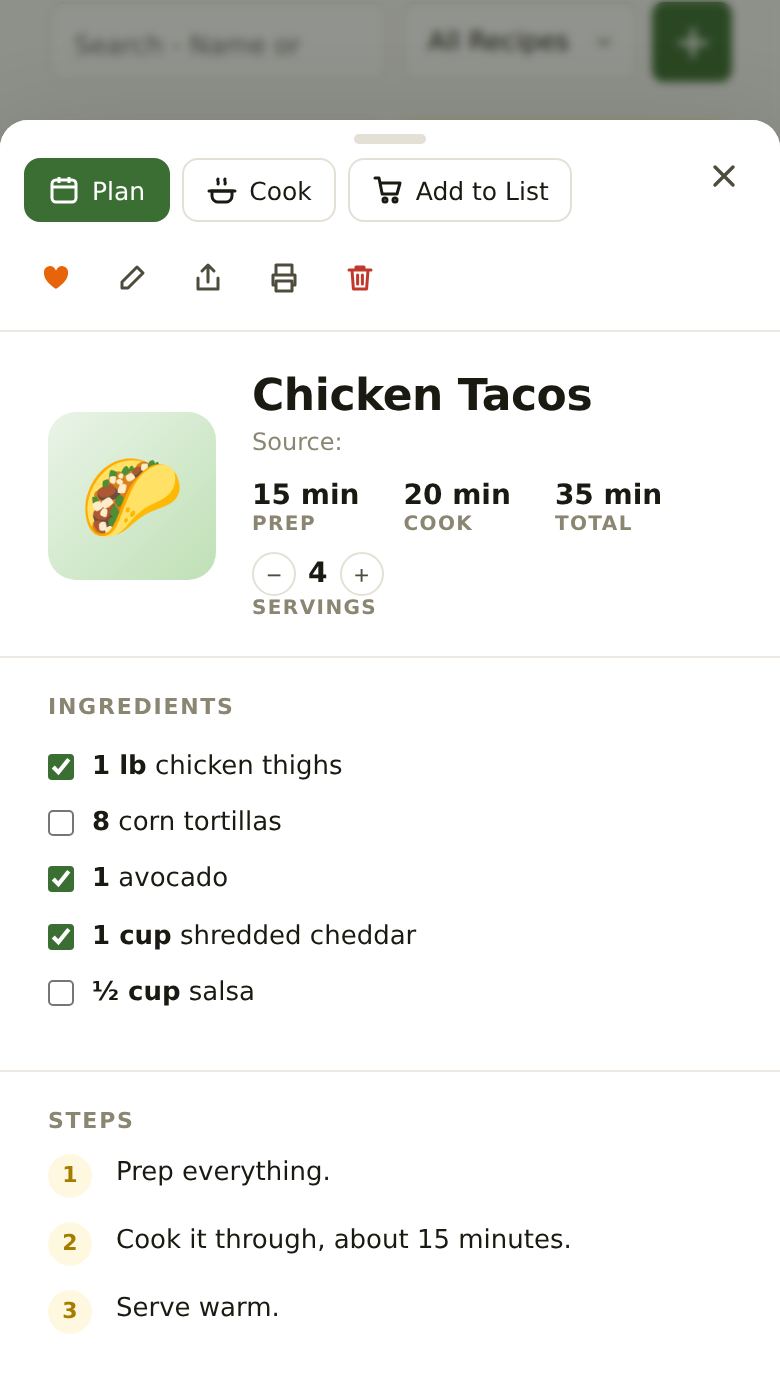
Tap a recipe to open its card. Across the top: Plan (put it on the calendar), Cook (step by step) and Add to List (its ingredients onto the grocery list). Below them: ♥ favorite, edit, share, print and delete.
- Servings: − and + change the amounts for more or fewer people.
- The tick boxes check your pantry. Green means you have it. Yellow means you have some but not enough, with what’s missing on the right. Empty means you’re out.
- Tap a box to tell AprèsSchool what you really have: tick an empty one if you’ve got it, untick a green one if you’ve run out (it goes on the grocery list).
- A recipe says New until you’ve made it once.
Planning Dinner
Put a recipe on the calendar any of these ways:
- Tap + Plan on its card, then tap the day on the calendar.
- On a phone, press and hold a recipe and slide it onto a day. On a computer, drag it.
- Open the recipe and tap Plan.
Dinner lands so it’s ready at your family’s dinner time (Account → Settings → Meals → Dinner Time), and goes later only when the cook is busy or a child is still out. Each dinner gets a cook: a parent who’s free that evening, or whoever you pick on its card.
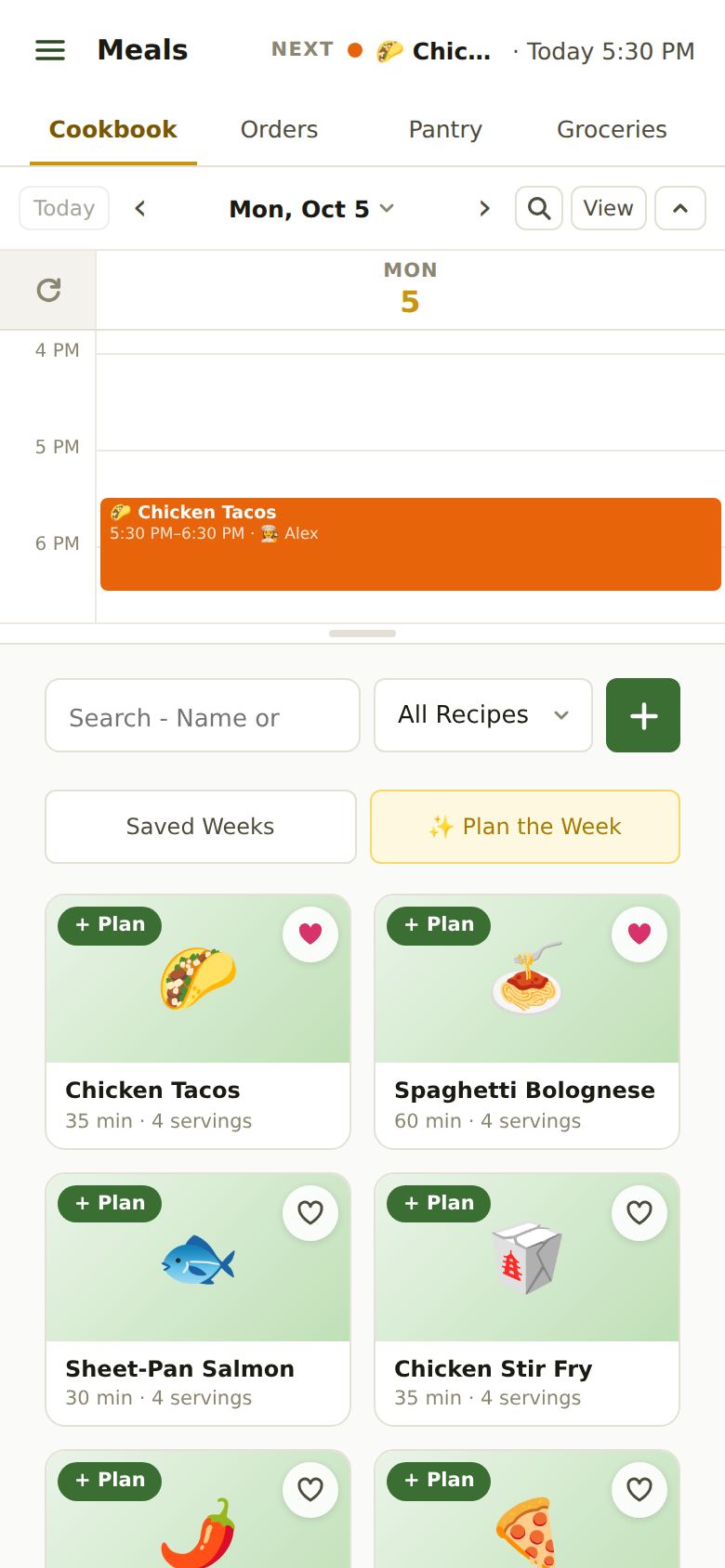
To move a dinner, drag it to another day or time (on a phone: press and hold it, then move it). Tap it to change the cook or remove it.
Cooking
Tap Cook on a recipe (or on tonight’s dinner on Home). One step at a time, in big type:
- Times in a step (“simmer 20 minutes”) become timer buttons. On iPhone the timer rings even if you leave the app.
- The screen stays on while you cook.
- Leave any time: a “Cooking” pill at the top brings you back.
- ✓ Finish Cooking on the last step takes the recipe’s ingredients out of your pantry.
After Dinner
Home’s On the Menu lists this week’s dinners. Mark each one Cooked or Skipped (on a phone you can swipe it right or left).
- Cooked takes its ingredients out of the pantry and asks how it was (😞 😐 😄). Plan the Week learns from your ratings.
- Skipped leaves the pantry alone and takes its ingredients off the grocery list.
A dinner no one marks is never assumed made: it waits on Home for three days.
Plan the Week and Saved Weeks
✨ Plan the Week Premium picks dinners for the week’s open evenings from your cookbook, your takeout orders and new ideas. It looks at who’s home, how busy each evening is and what your family likes. Drag the dot in the triangle toward more cookbook, more takeout or more new recipes, change any evening, then Approve. Plan a Meal, at the top, does the same for just one evening.
Saved Weeks is free: save a week of dinners you liked and load it into another week later. Evenings that already have a dinner are left as they are.
Still Stuck?
Email support@apresschool.app and we’ll get back to you. Or see all help articles.